
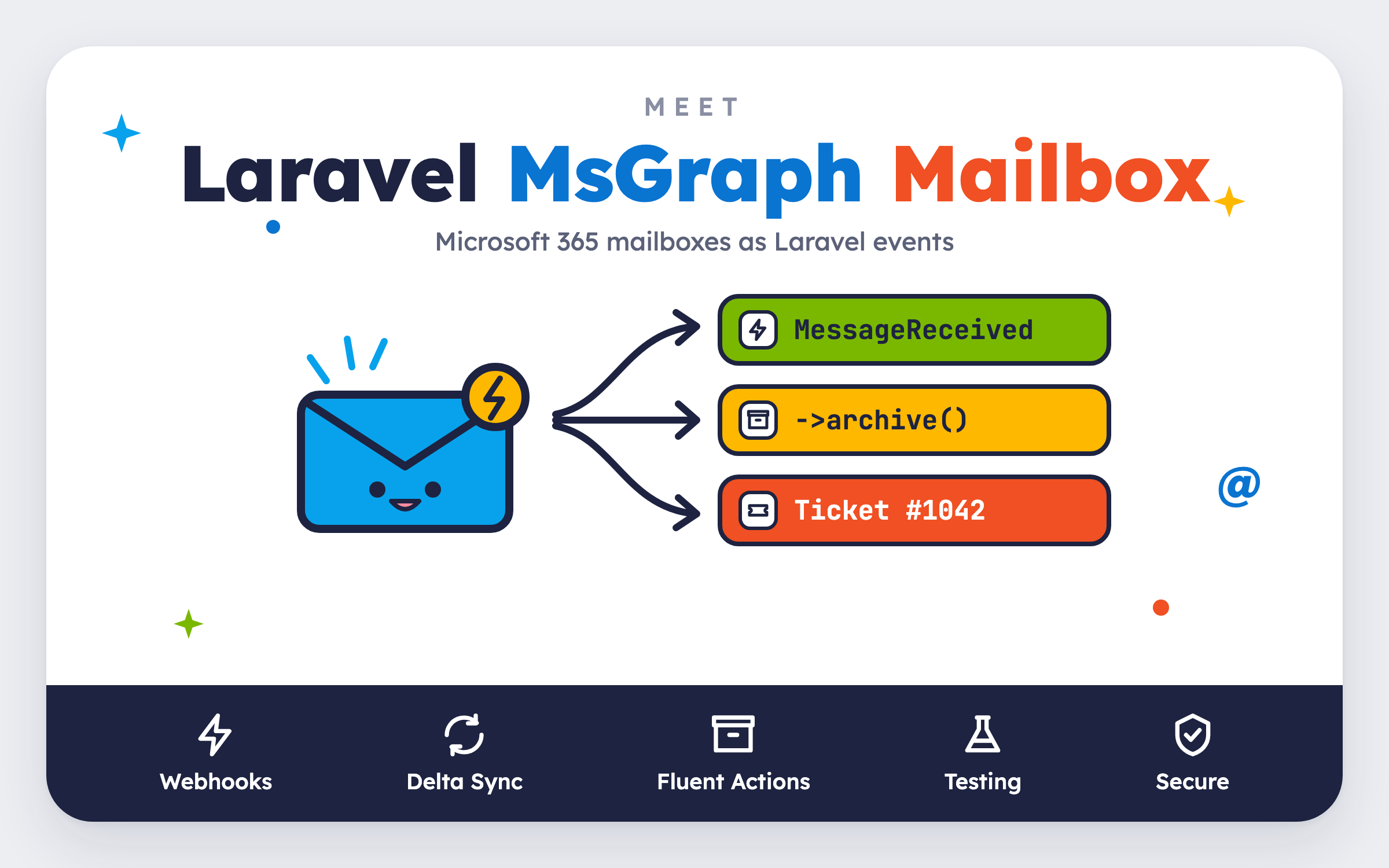
Turn Microsoft 365 Mailboxes into Laravel Events
Tim Geisendörfer • November 2, 2026
laravel mail microsoftAlmost every CRM or ticket system we have built had a Microsoft 365 mailbox sitting right next to it: a support inbox, an invoices mailbox, a "just reply to this email" address. And every time, we wrote the same plumbing again. Poll the mailbox, figure out which messages are new, download the attachments, move the processed mail somewhere else, and hope nothing slipped through in between.
After doing this one time too many, we extracted it into a package. Today we're releasing Laravel MsGraph Mailbox. It turns Microsoft 365 mailboxes into Laravel events:
use InnoGE\LaravelMsGraphMailbox\Events\MessageReceived;

Event::listen(function (MessageReceived $event) {
    $message = $event->message();

    Ticket::createFromEmail($message->from()->address, $message->subject(), $message->body());

    $message->archive();
});
A message arrives, your listener receives it, and you work with it using the same Laravel code you write every day. No IMAP extension, no app passwords, no cron job that scrapes an inbox every minute.
Sending and Receiving, Finally a Pair
Back in 2023 we wrote about sending mail through Microsoft Graph instead of SMTP with our laravel-msgraph-mail package. Laravel MsGraph Mailbox is the other half: send with laravel-msgraph-mail, receive with laravel-msgraph-mailbox.
Both packages share the same Microsoft Graph client and the same credentials. If you already send mail through Graph, you can reuse your Entra app and only add a permission.
Installation
The package requires PHP 8.3+ and Laravel 12.53+ or 13:
composer require innoge/laravel-msgraph-mailbox

php artisan msgraph-mailbox:install
The install command publishes the config file and the migration, adds the credential variables to your .env file and asks which mailbox you'd like to observe.
On the Microsoft side, you need an Entra app with the application permission Mail.ReadWrite (or Mail.Read if you only observe and never act on messages). An application permission covers every mailbox in your tenant by default, so restrict it to the mailboxes it should actually see with an Application Access Policy or RBAC for Applications. The README walks you through every step.
Then tell the package which mailboxes to observe in config/msgraph-mailbox.php:
'mailboxes' => ['[email protected]'],
Finally, run the subscribe command on every deployment:
php artisan msgraph-mailbox:subscribe
That's it. The package schedules the commands it needs on its own, so make sure your scheduler and a queue worker are running.
Events You Can Rely On
Every change in an observed folder becomes an event:
| Event | When it fires |
|---|---|
MessageReceived |
A message arrives in the folder, or is moved there. |
MessageMoved |
A message is moved to another folder of the mailbox. |
MessageDeleted |
A message is deleted and sits in Deleted Items. |
MessagePermanentlyDeleted |
A message is deleted permanently. |
MessageChanged |
A message is read, flagged, categorized or edited (opt-in). |
The interesting part is how those events get to you. The package subscribes to Microsoft Graph change notifications, so Microsoft calls your application within seconds of a change. But webhooks get lost. Servers deploy, networks hiccup, Microsoft retries and eventually gives up.
So the package never trusts a notification on its own. A notification only queues a delta sync of the folder, which asks Microsoft what actually changed and compares it with the messages it already knows. On top of that, a scheduled delta sync runs every fifteen minutes as a safety net. A missed notification delays an event, but it never loses one.
Events are delivered at least once, so keep your listeners idempotent. The internetMessageId() of a message is a good key for that, and we'll use it in the example below.
Events only carry the mailbox, the folder and the message id. The message itself is loaded lazily, the first time you call message().
Working With Messages
Reading a message feels like reading any other Laravel object:
$message->subject();
$message->from();               // EmailAddress with ->address and ->name
$message->receivedAt();         // CarbonImmutable
$message->body();               // Text by default, BodyType::Html on request
$message->body(unique: true);   // Only the new part of a reply
body(unique: true) is the one we needed most in ticket systems: it returns only what the customer wrote, without the quoted conversation below it.
Attachments are listed with their metadata first and only downloaded when you ask for them:
foreach ($message->attachments() as $attachment) {
    Storage::put("invoices/{$attachment->safeFilename()}", $attachment->stream());
}
Automatic replies and your own sent mail can easily cause loops. The package never silently skips a message, but it helps you decide:
if ($message->isAutoSubmitted() || $message->isFromSelf()) {
    return;
}
When you're done with a message, actions can be chained, so handling it usually reads like a sentence:
$message->markRead()->categorize('Customer')->archive();
You can also move(), copy(), flag(), delete() or permanentDelete() a message. Every action is available as a queued job too, for example MoveMessage::dispatch(...). The jobs are throttled per mailbox, because Microsoft allows only about four concurrent requests per mailbox, and unique for a few minutes, so dispatching the same action twice doesn't run it twice.
A Complete Example: Replies to Support Tickets
Let's put it together with the use case that started it all. Customers answer emails whose subject contains a ticket number, like [TICKET-1042], and we want their reply attached to the right ticket:
namespace App\Listeners;

use App\Models\Ticket;
use Illuminate\Contracts\Queue\ShouldQueue;
use Illuminate\Support\Str;
use InnoGE\LaravelMsGraphMailbox\Events\MessageReceived;
use InnoGE\LaravelMsGraphMailbox\Jobs\Middleware\ThrottleGraphRequests;

class AttachReplyToTicket implements ShouldQueue
{
    public function handle(MessageReceived $event): void
    {
        $message = $event->message();

        if ($message->isAutoSubmitted() || $message->isFromSelf()) {
            return;
        }

        $ticket = Ticket::where('number', Str::match('/\[(TICKET-\d+)\]/', (string) $message->subject()))->first();

        if (! $ticket) {
            return;
        }

        $reply = $ticket->replies()->firstOrCreate(
            ['internet_message_id' => $message->internetMessageId()],
            ['from' => $message->from()?->address, 'body' => $message->body(unique: true)],
        );

        foreach ($message->attachments() as $attachment) {
            $reply->addMediaFromStream($attachment->stream())->usingFileName($attachment->safeFilename())->toMediaCollection();
        }

        $message->archive();
    }

    public function middleware(MessageReceived $event): array
    {
        return [new ThrottleGraphRequests($event->mailbox)];
    }
}
firstOrCreate keyed by the internetMessageId keeps the listener idempotent, and the ThrottleGraphRequests middleware makes your own listener share the package's per-mailbox limit. When Microsoft throttles or is unavailable, the job is released and tried again later.
Testing Without Microsoft
We didn't want to mock HTTP responses in every application, so the package ships with a fake. Mailbox::fake() swaps Microsoft Graph for an in-memory mailbox, and receive() adds a message and dispatches MessageReceived through your real listeners:
use InnoGE\LaravelMsGraphMailbox\Enums\WellKnownFolder;
use InnoGE\LaravelMsGraphMailbox\Facades\Mailbox;

it('attaches replies to their ticket', function () {
    $ticket = Ticket::factory()->create(['number' => 'TICKET-1042']);
    $mailbox = Mailbox::fake();

    $message = $mailbox->receive('[email protected]', [
        'subject' => "Re: [TICKET-1042] My order hasn't arrived",
        'from' => ['emailAddress' => ['address' => '[email protected]']],
        'uniqueBody' => ['content' => 'It arrived today, thanks!'],
    ]);

    expect($ticket->replies()->sole()->body)->toBe('It arrived today, thanks!');
    $mailbox->assertMoved($message, WellKnownFolder::Archive);
});
There are assertions for every action, from assertMarkedRead() and assertCategorized() to assertDeleted() and assertNothingPerformed().
Multi-Tenant and Secure by Default
In CRM projects, the mailboxes rarely live in a config file. Every team or client brings their own. So you can pass a closure to Mailbox::observe(), which is only evaluated when the package needs the mailboxes:
use InnoGE\LaravelMsGraphMailbox\Facades\Mailbox;

Mailbox::observe(fn () => Team::pluck('support_mailbox'));
Giving an application access to company mailboxes is a big deal, so we made security part of the design rather than a section in the docs:
Mailbox::for()only acts on observed mailboxes and the patterns inallowed_mailboxes. An address that comes from user input can never reach another mailbox of your tenant.- Every subscription gets its own random client state, and only its hash is stored. Notifications with an unknown subscription or a wrong client state are dropped without a single request to Microsoft.
- The Graph client only ever sends its token to
https://graph.microsoft.com/v1.0/. - Events and queued jobs carry only ids. Message content never ends up in your queue or in
failed_jobs.
And when you want to know whether everything is healthy, php artisan msgraph-mailbox:status checks your mailboxes and exits with a non-zero status when something needs attention, so you can plug it straight into your monitoring.
Get Started
Support desks, document intake, bounce handling, CRM activity logs: if your application has a Microsoft 365 mailbox next to it, Laravel MsGraph Mailbox lets you treat that mailbox like any other part of your Laravel app.
composer require innoge/laravel-msgraph-mailbox
Check out the package on GitHub, and let us know what you build with it:
Do you need help with your next project?
Unleash the full potential of your business, and schedule a no-obligation consultation with our team of experts now!